






How to buy a product
A clear step-by-step guide from choosing a product to receiving it in your account. Everything important in one place.
Check the product description and terms
You are purchasing a digital product or digital access. Before payment, check the region, delivery format, restrictions, requirements and guarantee. Product-specific terms take priority.
Your account
Purchases, wallet, order history and support stay in one place.
Check the product
Check title, region, restrictions, delivery method and price before payment.
Receive the product
Automatically delivered products appear in My Purchases after payment.
Purchase without unnecessary complexity
Seven steps from signing in to post-purchase support.
Sign in
Sign in or register to top up your wallet, place an order and receive the product.
Choose a product
Review features, region, restrictions, delivery format and guarantee terms.
Review the order
Check the product, price and mandatory terms before checkout.
Top up your wallet
If needed, add funds to your internal wallet using an available method.
Pay for the order
The amount is deducted from your wallet and the order appears in your history.
Receive the product
Credentials, key, code or instructions appear inside the order and My Purchases.
Contact support
If there is a problem, open a request with order number, details and evidence.
The product page is the main source of information
Check the title, price, region, account requirements, delivery method and individual restrictions. Do not rely only on the image — written terms have priority.
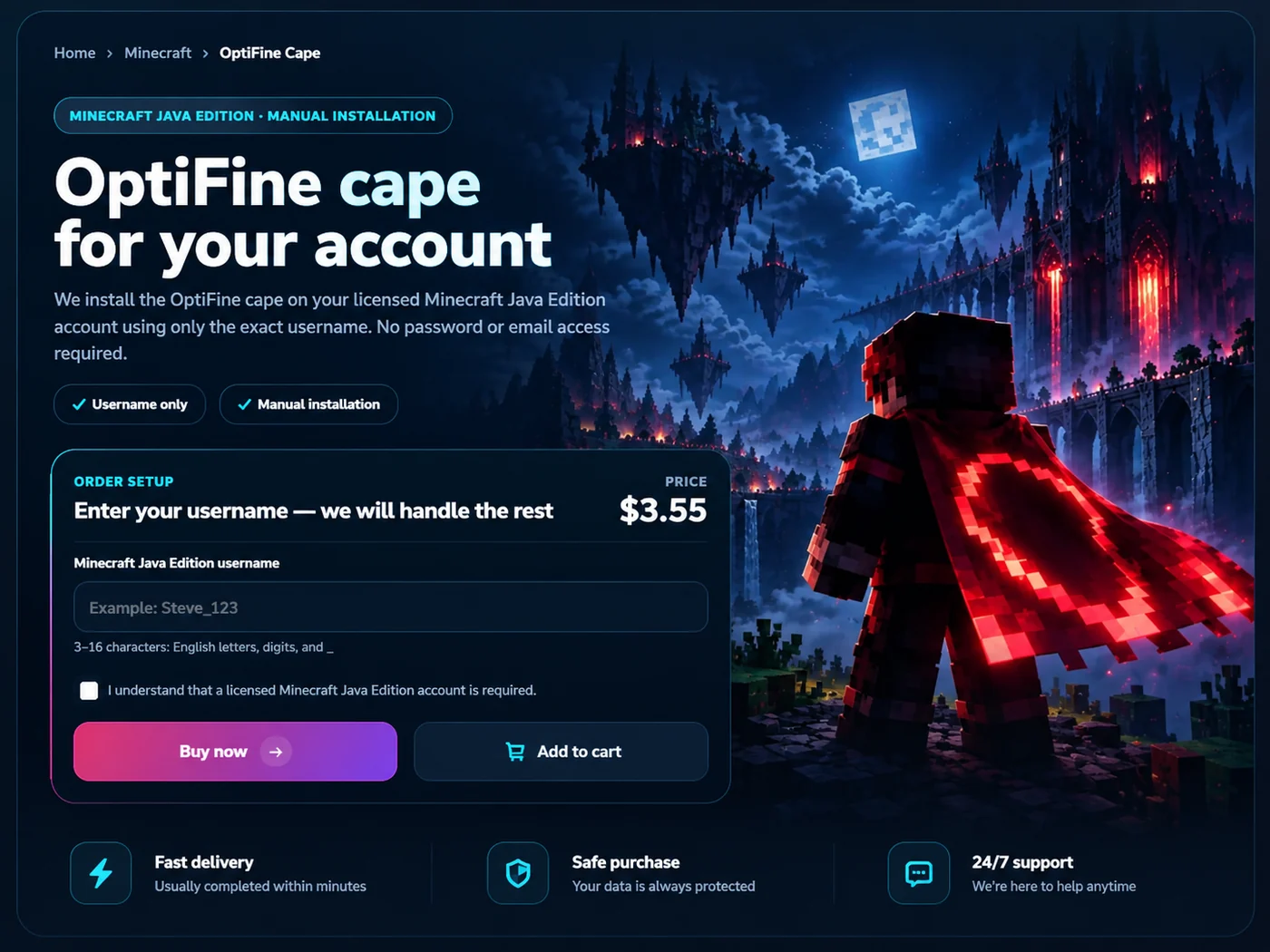
Review cart and terms
Before confirmation, check the product and price again. Required site terms must be accepted.
Top up and pay
Purchases are paid from your SniperGames Store wallet. If needed, top it up using an available payment provider and return to checkout.
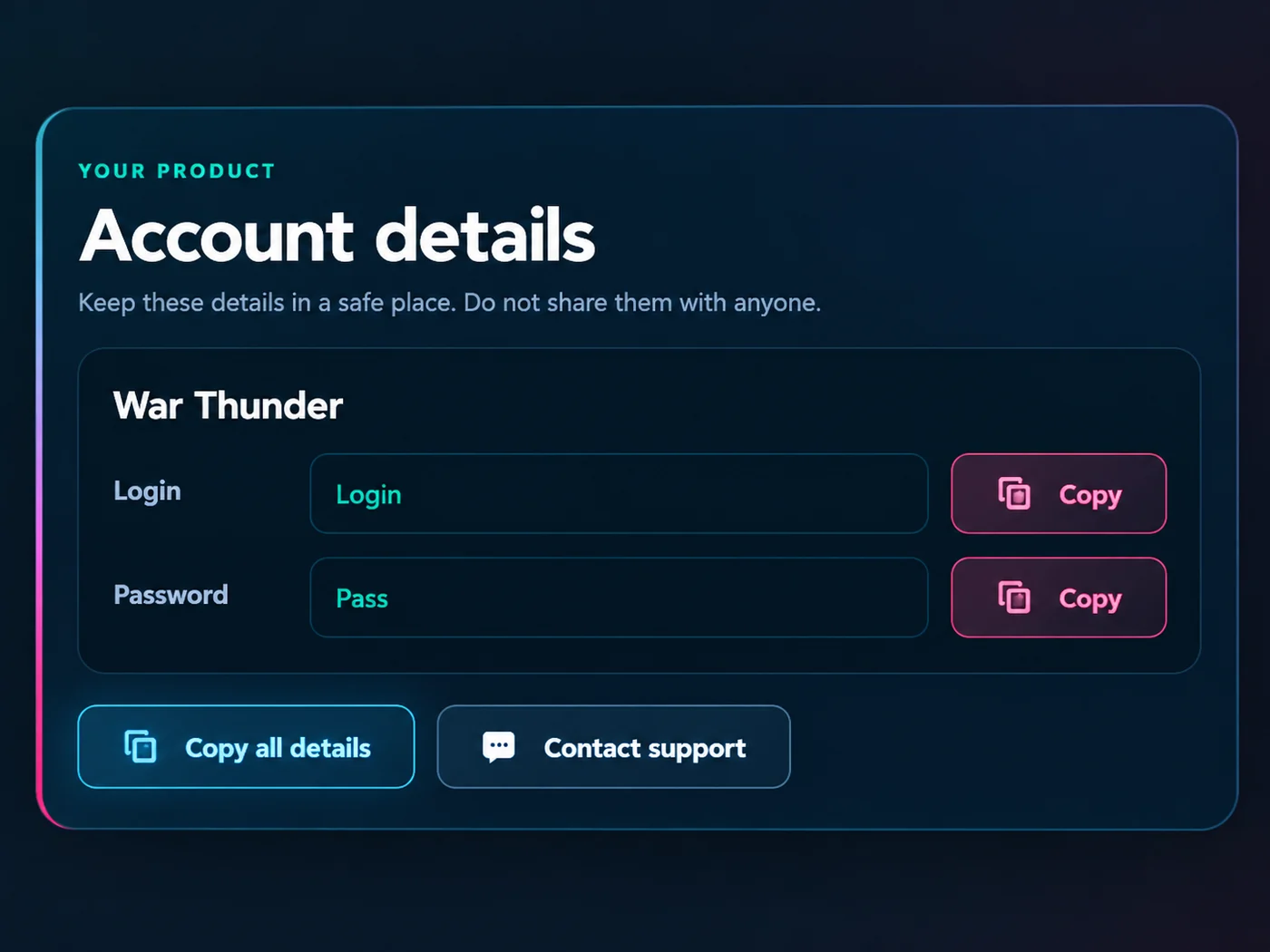
Your product appears in My Purchases
For automatically delivered items, credentials, key, code or instructions appear inside the order. Manual items show their current processing status.
If something goes wrong — we will review the order
Create a request in your account. The more complete the first message is, the fewer follow-up questions are needed before technical review.
- order number or purchase details
- exact product name and purchase date
- screenshot, video or error text
- what you already tried

Read before paying
Check description, region, restrictions and guarantee before confirming.
Do not change data immediately
For account products, follow the instructions first and only then change data if allowed.
Keep evidence
If an error appears, take a screenshot or short video before retrying.
Choose a product — the rest is clear
Open the catalog, choose the product you need and follow the steps above. Purchases and support requests stay linked to your account.